

About Reve
Key features:- Up to 4K resolution: Generates sharp, detailed images at high resolutions
- Built-in aesthetic training: Produces results suited for fashion editorial, cinematic, and natural lighting styles
- Image editing: Modifies lighting conditions, color grading, and adds motion effects to existing images
- Image remixing: Combines elements from reference images into a target image while preserving consistency
Reve Create
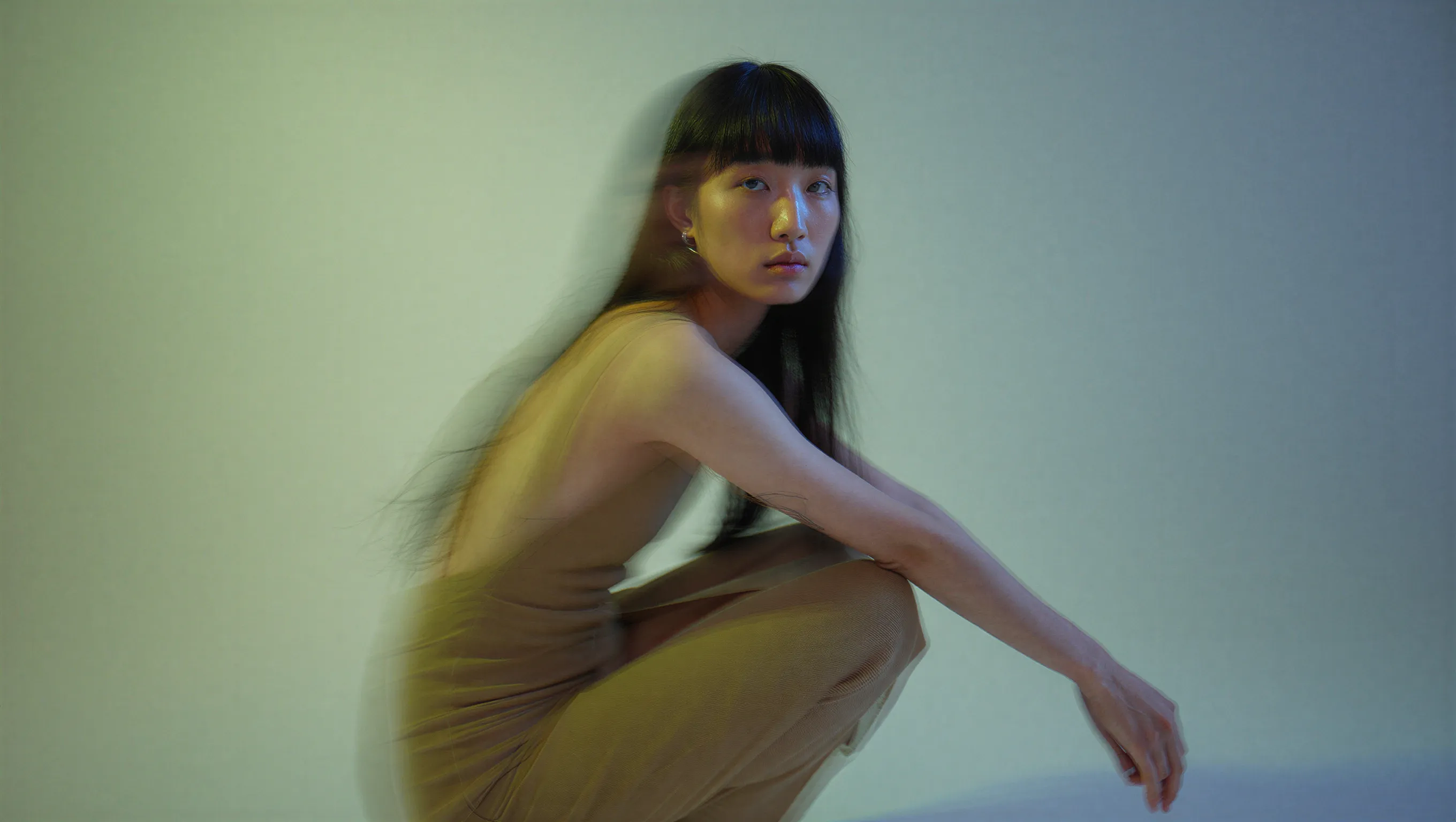
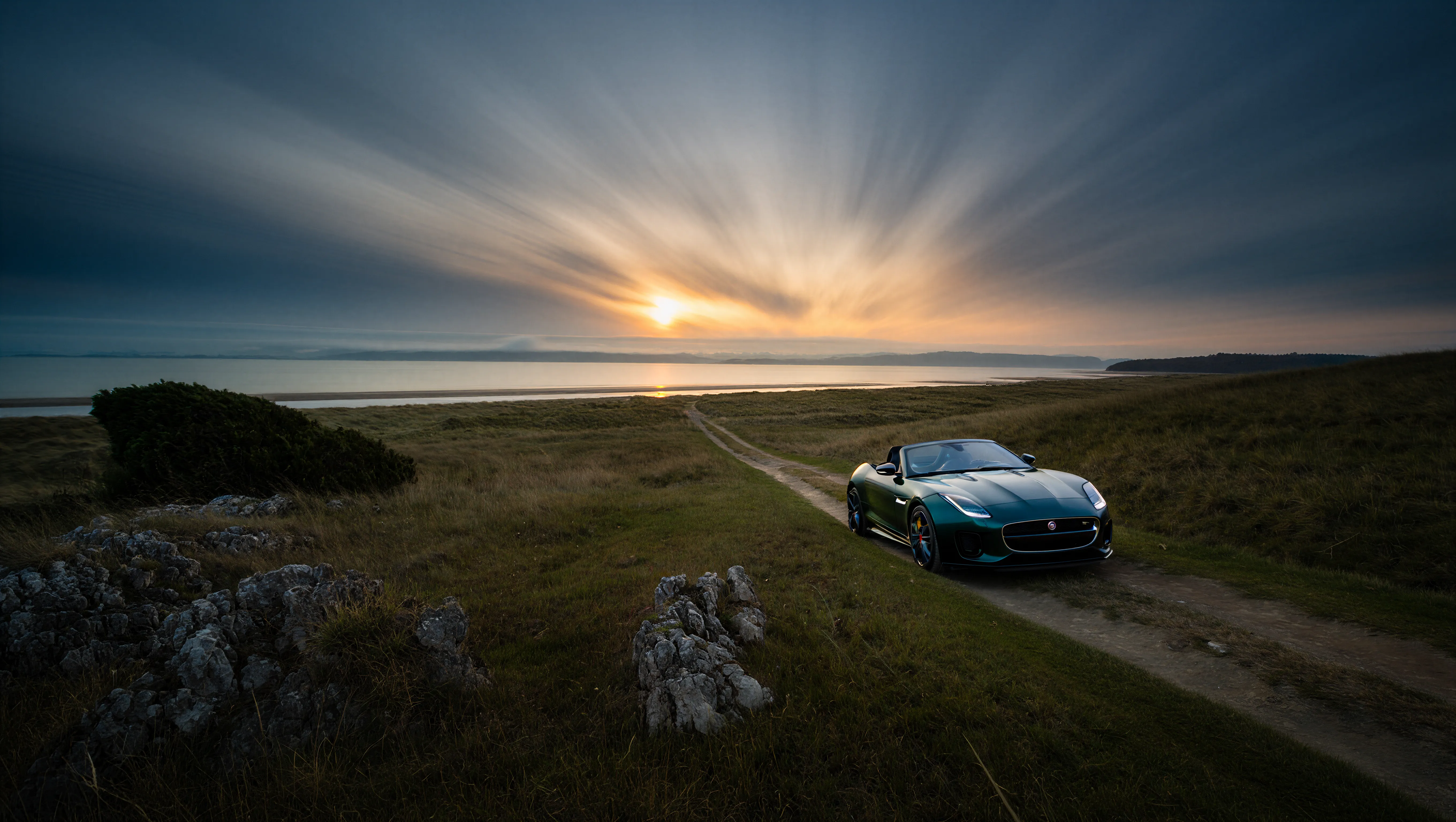
The Reve Image Create node generates images from text prompts. The model performs well with prompts describing fashion editorial styles, specific lighting conditions, natural textures, and motion.Try on Cloud
Run the Reve Image Create workflow on Comfy Cloud.
Download Workflow
Download the workflow JSON file for local use.
Example outputs




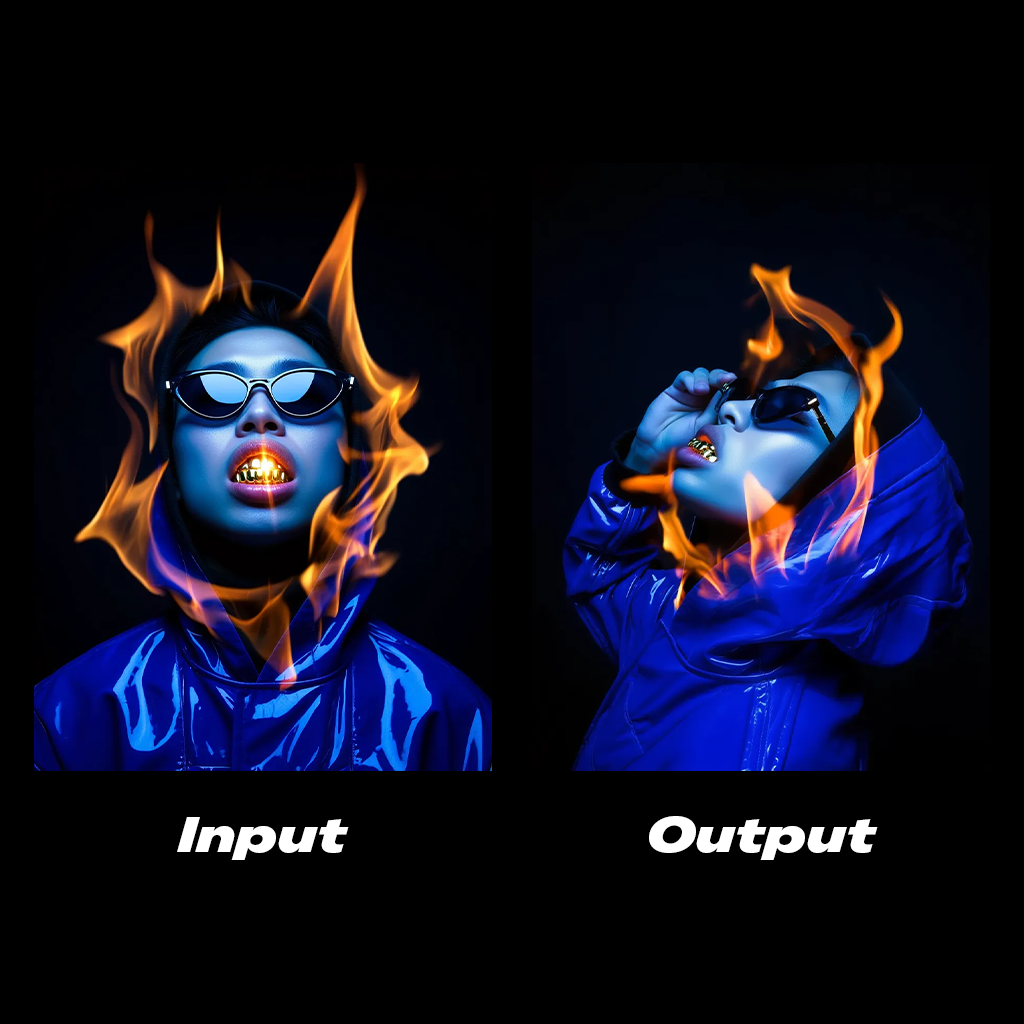
Reve Edit
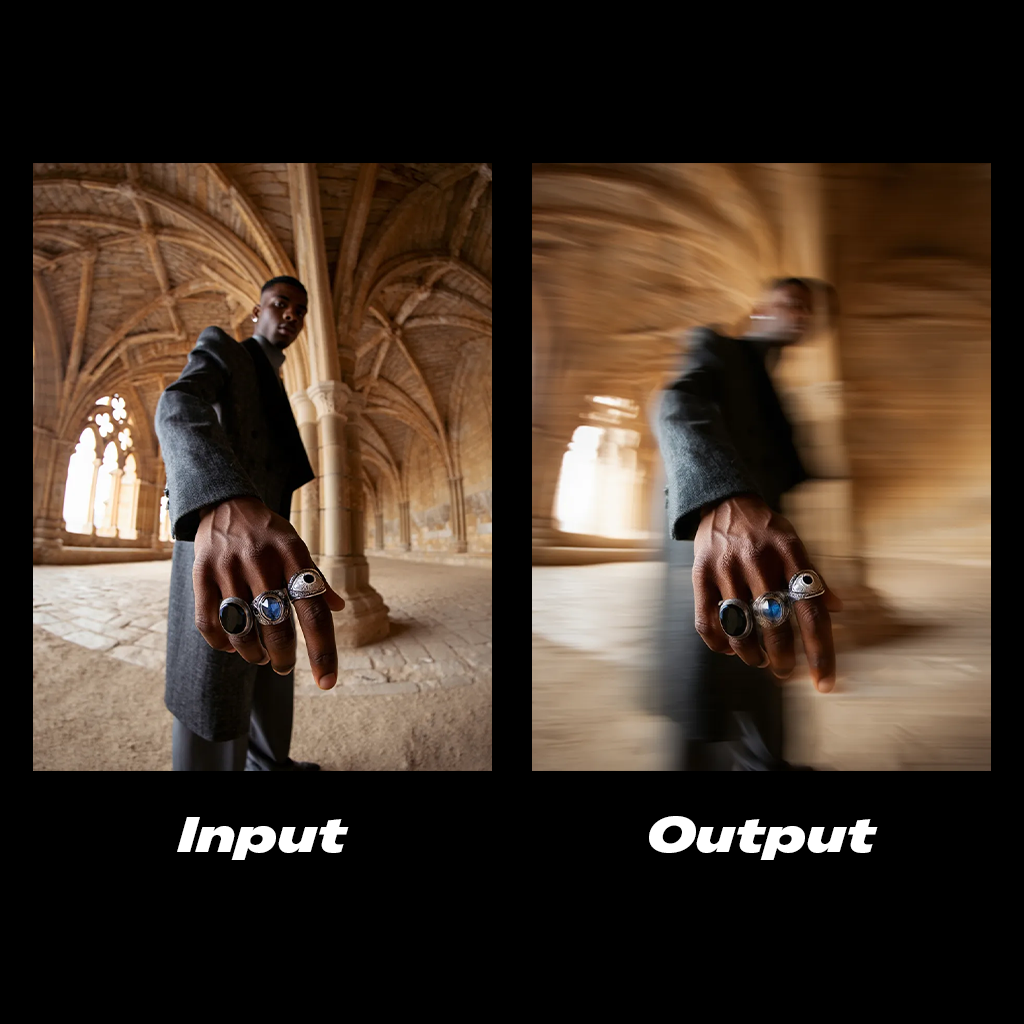
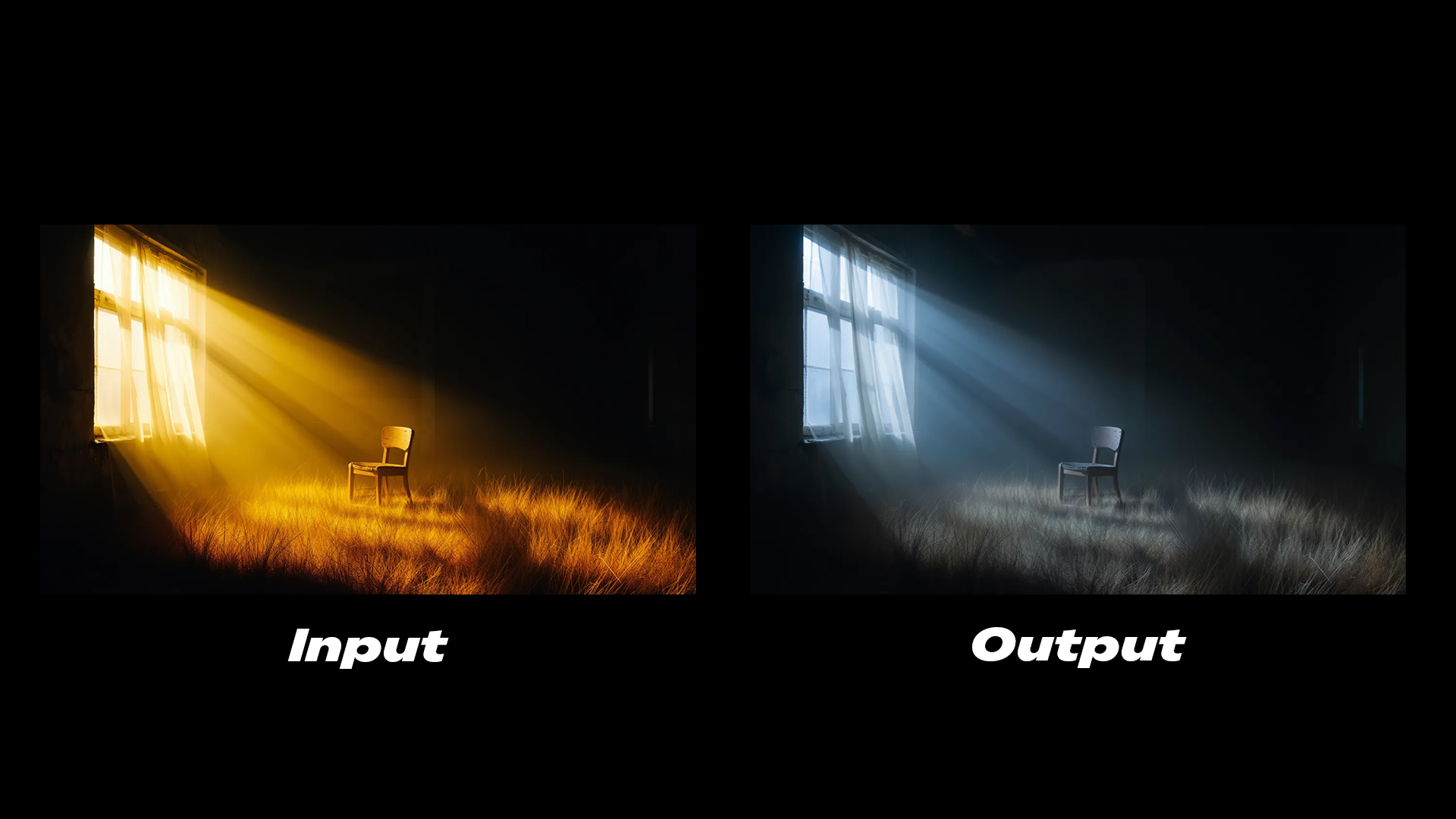
The Reve Image Edit node modifies existing images based on text instructions. It supports editing lighting conditions, color grading, and adding motion effects.Try on Cloud
Run the Reve Image Edit workflow on Comfy Cloud.
Download Workflow
Download the workflow JSON file for local use.
Example outputs
Reve Remix
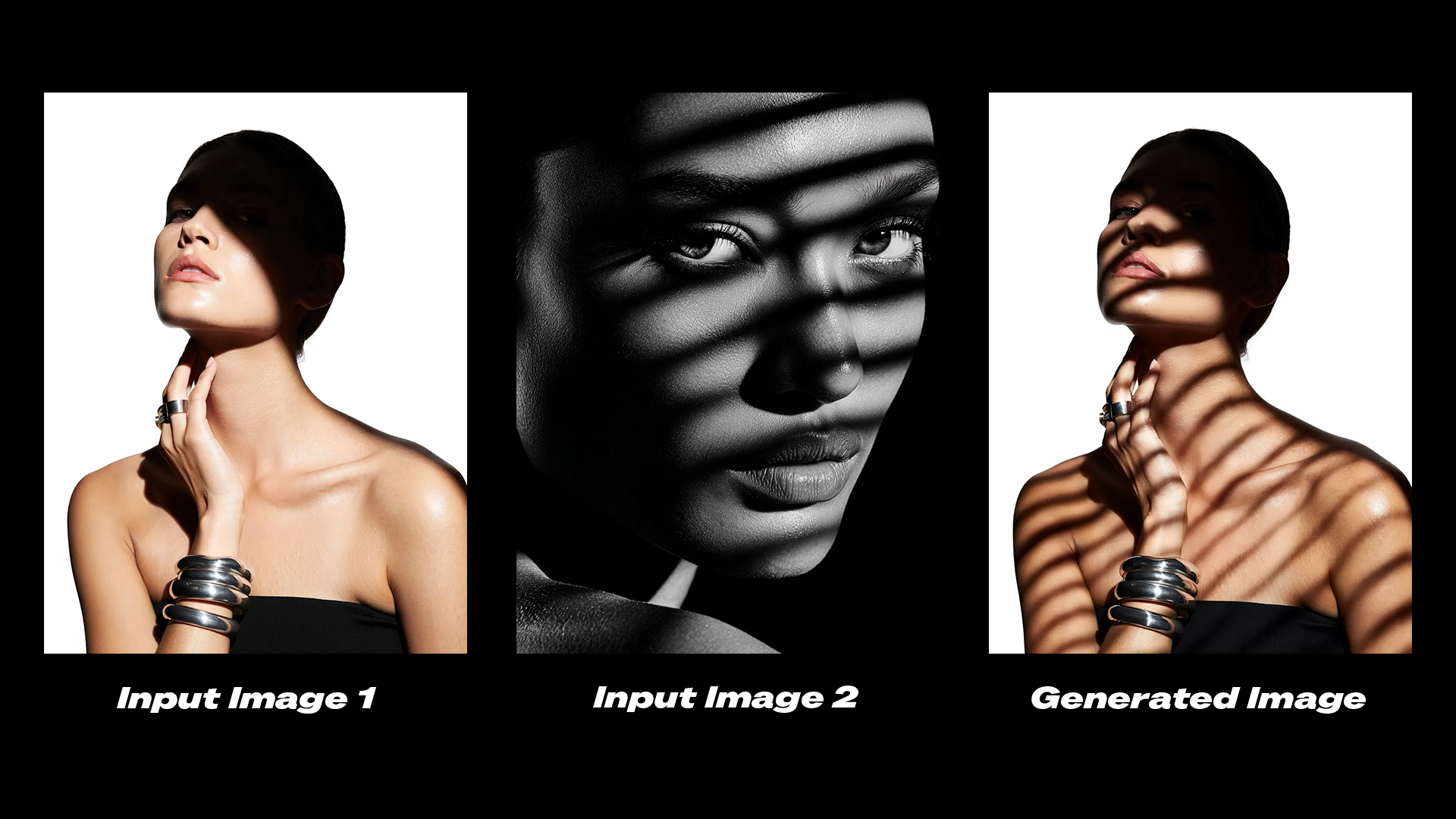
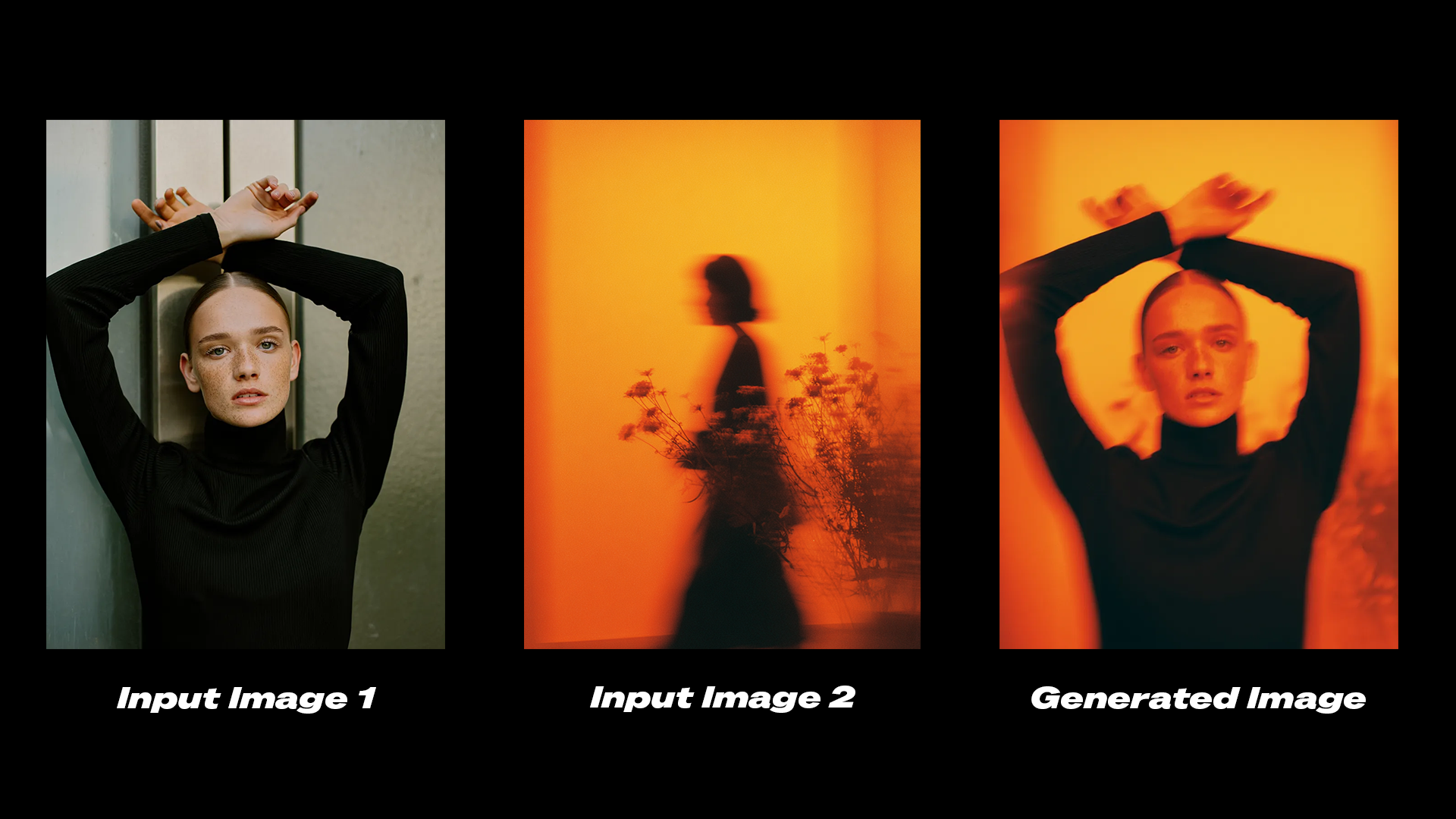
The Reve Image Remix node uses elements from reference images as layers and applies them to a target image. This allows you to transfer specific visual properties such as shadows, color grading, or aesthetic styles between images.Try on Cloud
Run the Reve Image Remix workflow on Comfy Cloud.
Download Workflow
Download the workflow JSON file for local use.
Example outputs
Get started
- Update ComfyUI to the latest version or visit Comfy Cloud.
- Find the Reve Image Create, Reve Image Remix, and Reve Image Edit nodes in the Node Library or Templates in the left sidebar.
- Drop a node on your canvas to begin.